
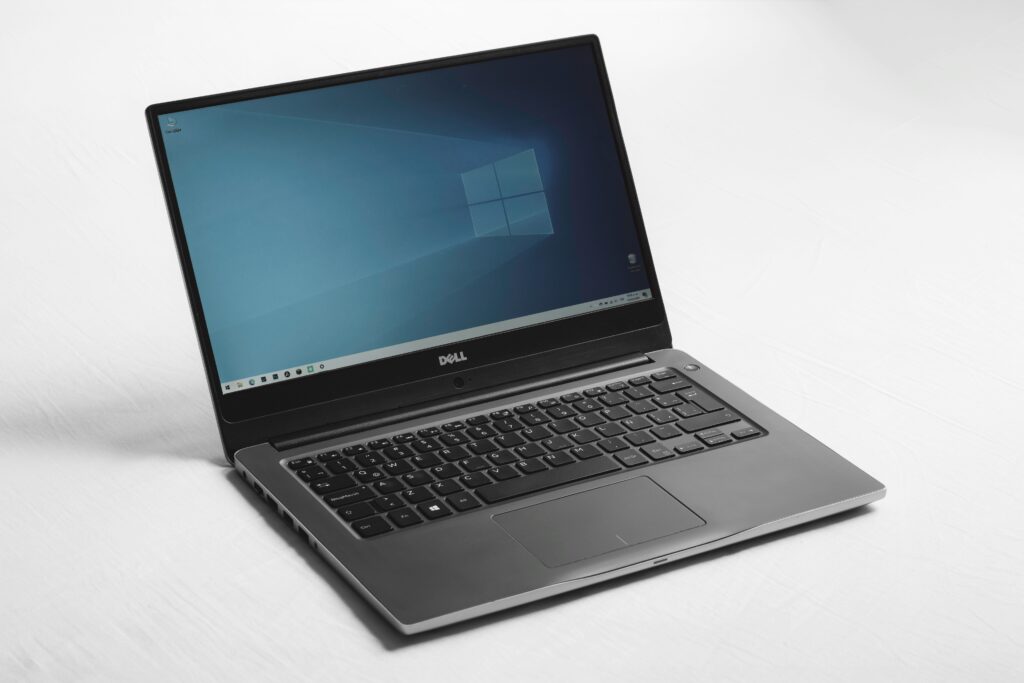
A used laptop can contain more personal information than many owners realize. Documents, photos, browser sessions, saved passwords, work files, and cloud accounts may all remain accessible if the machine is handed over without proper preparation. Safety therefore starts before the price is discussed.
At the same time, sellers need a realistic understanding of condition. A laptop with a clean screen and strong battery is not comparable to one with a cracked hinge or unreliable charging port. Accurate grading helps prevent unrealistic expectations and makes the eventual transaction easier.
Secure the Data Before Thinking About Price
The first responsibility of a laptop seller is protecting personal information. Simply deleting files or emptying the recycle bin does not provide the same assurance as following the operating system’s recommended reset or secure-erasure process.
A proper backup should come first. Photos, documents, browser bookmarks, work files, and other important information should be copied to a trusted storage location. Owners should verify that essential files are actually accessible from the backup before proceeding.
Accounts must then be addressed. Email, cloud storage, browser profiles, password managers, and device-specific services can remain linked to the machine. Removing those accounts prevents the next user from inheriting access to personal services.
Some laptops may also be connected to organizational management systems. Company-owned or previously managed computers can require IT assistance before resale. An owner should never assume that a normal factory reset automatically removes every administrative restriction.
After accounts are removed, the device can be reset according to the manufacturer’s instructions. The exact steps vary by operating system and model.
How Screen, Keyboard, Battery, and Chassis Affect Condition
Laptop condition is best evaluated component by component. The display is usually one of the first areas buyers inspect. Dead pixels, screen discoloration, cracks, pressure marks, flickering, or hinge damage can lower perceived value.
The keyboard and trackpad deserve similar attention. Missing keys, inconsistent key response, damaged trackpad surfaces, or unreliable gestures can indicate wear. Buyers may also test the webcam, microphone, speakers, and wireless connectivity.
Battery condition is less visible but equally relevant. An older battery may hold significantly less charge than it did when new. If the laptop shuts down unexpectedly or lasts only briefly away from the charger, that limitation should be disclosed.
The chassis provides another useful signal. Small scratches and normal cosmetic wear are common on used computers. Bent panels, loose hinges, damaged corners, or broken ports suggest more serious problems.
A seller should avoid creating an overly generous condition grade. Describing a heavily worn laptop as excellent can lead to disputes once the buyer inspects it.
Price the Laptop According to Its Current Market Position
Original purchase price is a poor guide to current resale value. A laptop purchased several years ago may have cost a substantial amount, but buyers today compare it with newer used and refurbished machines.
Specifications provide a starting point. Processor generation, RAM, SSD capacity, graphics hardware, display quality, and operating-system compatibility can all influence demand. Age then modifies that picture because older hardware may have fewer remaining software-support advantages.
Condition affects the final range. A clean laptop with a healthy battery and complete charger can command more interest than an otherwise identical device with visible damage.
Sellers should research comparable models rather than copying the highest listing price they see. Asking prices are not necessarily completed-sale prices. A realistic valuation should account for actual condition and the effort involved in finding a buyer.
Local market conditions matter as well. A model that attracts strong demand in one region may have less interest elsewhere.
Choose a Selling Route That Matches the Device
Different laptops suit different selling methods. A premium model in excellent condition may attract private buyers who are willing to compare detailed specifications. An older machine may be easier to sell through a local buyer or trade-in service.
If an in-person transaction suits you, sell your laptop for Cash at PayMore and compare the offer with other options, considering convenience, timing, and effort.
Online marketplaces may provide access to more buyers, but they require photographs, descriptions, communication, payment arrangements, and potentially shipping. Trade-in routes can reduce that workload but may provide a different type of value or have stricter eligibility requirements.
Recycling should remain an option for machines that are no longer economically practical to sell. Responsible recycling can prevent unwanted electronics from becoming household waste.
Prepare the Laptop for a Safe Handover
Once the price has been established, preparation should focus on making the transaction straightforward. The laptop should be cleaned without exposing sensitive components to moisture. The screen, keyboard, palm rest, and exterior can receive careful attention.
The charger should be tested because an unreliable power adapter can complicate the sale. Other included accessories should be identified and described.
A seller should also keep a private record of the laptop’s serial number and purchase documentation if available. Such records can help establish ownership and distinguish the machine from other devices.
Before the final transfer, the seller should confirm that the reset has completed successfully. The computer should reach its initial setup screen or equivalent state rather than opening directly into the previous owner’s account.
Key Takeaways
A safe laptop sale requires more than a factory reset. Sellers should back up important information, remove accounts and management controls, inspect the physical condition, research realistic market prices, and choose a selling route based on both value and convenience.
Condition grading should be honest and specific. A clean screen, functional keyboard, dependable battery, intact chassis, and working ports can make a substantial difference in how a used laptop is evaluated.
Most importantly, data protection should happen before anything else. Once personal information has been secured and the laptop is properly reset, the seller can concentrate on the financial side of the transaction with fewer risks.